 pick a feature
In-App Feedback Widget: Best Options in 2026
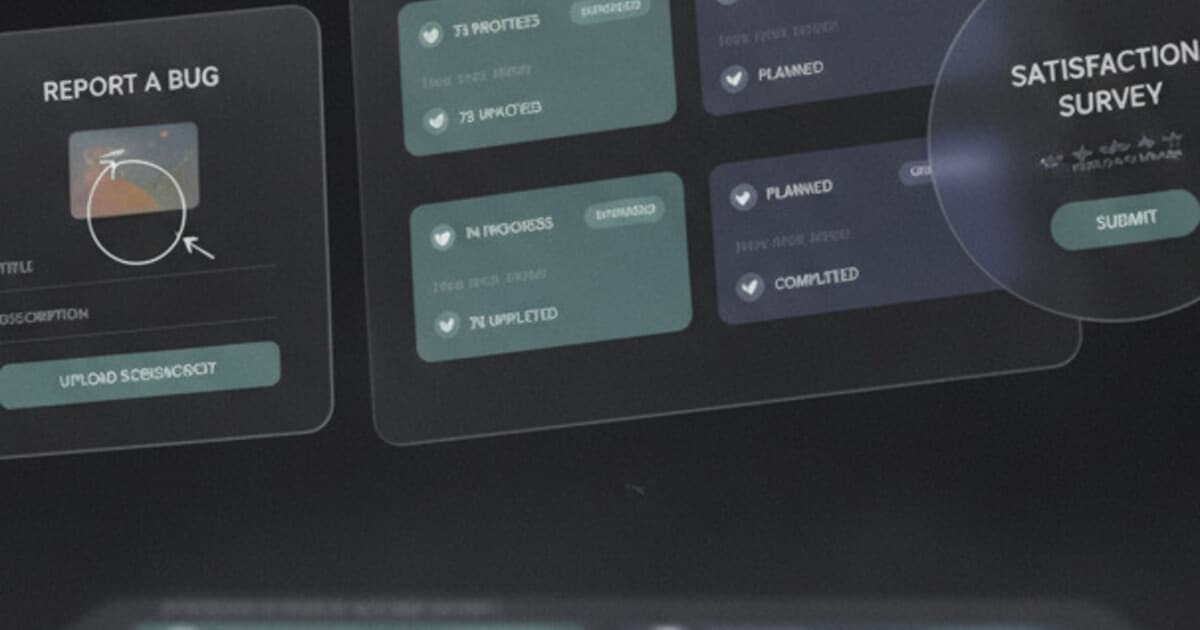
Most apps collect feedback the slow way: an email link buried in the settings footer, a support form that goes to a shared inbox, or a survey sent three days after the user already forgot what frustrated them. Meanwhile, the feature requests that could actually drive retention sit unrecorded.
An in-app feedback widget closes that gap. Instead of asking users to leave the app, open their email, and explain the problem from memory, you put a submit button one tap away from wherever they are. The result is higher response rates, more specific submissions, and a cleaner signal about what users want built next.
This guide covers the best in-app feedback widget options in 2026, what each one actually does, and how to pick the right one for your stack and budget.
An in-app feedback widget is a UI component inside your app that lets users submit feature requests, bug reports, or satisfaction ratings without leaving. The best Flutter options in 2026 are pick a feature (feature-request voting with status workflow) and Wiredash (bug reports and surveys). For web apps, Canny at $79/month and Featurebase at $29/seat/month lead.
What Does an In-App Feedback Widget Do?
An in-app feedback widget is a UI layer baked into your app's code. A user taps a button, a sheet or dialog appears, they type something, and the submission lands in your dashboard. No email. No tab-switching. No copying error messages into a form.
Most widgets fall into one of 4 categories.
Feature request boards let users submit ideas and vote on existing ones. The top-voted items float up, giving you a prioritized list of what to build next without running a separate survey. This is pick a feature's core function.
Bug and screenshot reporters let users annotate a screenshot of the broken screen and send it. You see exactly what they were looking at when something went wrong. Wiredash and Luciq operate primarily in this category.
NPS and CSAT surveys are timed prompts. After a user hits a key moment, a satisfaction question slides up. Both Wiredash and Luciq include this.
Open-text feedback boxes are the simplest version: a text field, a submit button, and a dashboard where submissions land. Many tools offer this alongside their primary feature.
Picking the wrong category is the most common mistake. A team that needs feature-request voting but installs a bug reporter ends up with neither problem solved.
In-app feedback widgets consistently outperform email surveys because they capture input when the user is still inside the experience. Research from mobile analytics firms shows in-app prompts generate 5 to 10 times more responses than post-session email surveys. For feature requests specifically, in-app voting creates an organic prioritization signal: the ideas that matter most to the most users bubble up through votes, not through whoever happens to reply to an email blast. The cost of not having a widget is less obvious. Teams without one tend to make roadmap decisions based on the 2 or 3 loudest voices in Slack or support chat, which almost never reflects what the broader user base wants. The cost of building one from scratch is also underestimated. A basic text-submission form ships in a few hours. A complete feature-request board with voting logic, deduplication, moderation, status tracking, and a dashboard runs 80 to 120 developer-hours, plus ongoing maintenance.
Types of In-App Feedback Widgets
Before picking a tool, lock in which problem you're solving.
| Type | What users do | Best for |
|---|---|---|
| Feature request board | Submit ideas, upvote existing ones | Understanding what to build next |
| Bug reporter | Annotate screenshot, describe problem | Faster bug reproduction |
| NPS/CSAT survey | Answer 1-2 satisfaction questions | Tracking sentiment over time |
| Open-text box | Write anything, submit | General catch-all |
Most apps need at most 2 of these. Feature request voting and bug reporting together cover the majority of cases. If you try to collect all 4 at once, you'll confuse your users and get noise instead of signal.
Best In-App Feedback Widgets in 2026
Here's an honest look at the main options, organized by use case.
pick a feature
Best for: Flutter apps that want feature-request voting with status tracking.
pick a feature is a Flutter SDK paired with a cloud dashboard, built specifically for collecting feature requests and upvotes from inside your app. Three drop-in widgets handle all the UI: full-screen for dedicated feature-request flows, dialog for modal overlays, bottom sheet for sheet-based navigation. One-line initialization with an API key, and setup is done.
Users browse approved and completed requests, upvote existing ones, or submit new ones. Votes are capped at one per device, with an anonymous UUID fallback for users who haven't signed in. On the dashboard, requests move through a status workflow: pending, under review, approved, in progress, planned, completed. Users see those statuses in the widget, so a submitted request doesn't disappear into a void.
Pricing: Free (1 project, 10 requests), Starter at $5/month (3 projects, unlimited requests, comments, full analytics), Unlimited at $15/month (unlimited projects, advanced analytics). No credit card needed for the free tier.
The honest limitation: Flutter only. There's no React Native SDK, no native iOS or Android SDK, and no JavaScript widget. If you're not building in Flutter, this doesn't apply. For a side-by-side look at Flutter feedback options, see the best feedback widget for Flutter apps.
Wiredash
Best for: Flutter apps focused on bug reporting, CSAT surveys, or product analytics.
Wiredash is also a Flutter SDK, but it covers a different problem. Its core product is bug reporting with screenshot annotation, CSAT/NPS surveys, and app analytics. Free tier up to 100k monthly active users.
What it doesn't do: feature-request voting or a status workflow. If you want users to submit ideas and track them from "pending" to "in progress," Wiredash won't handle that.
Some teams run both SDKs at the same time. Wiredash handles bug reports and satisfaction surveys; pick a feature handles feature voting. They address different problems and don't overlap.
Luciq (formerly Instabug)
Best for: Enterprise mobile teams needing crash reporting, session replay, and feature requests in one SDK.
Luciq is a comprehensive mobile observability tool covering crashes, performance monitoring, bug tracking, and feature-request modules. The scope is much broader than a standalone feedback widget. Pricing reflects that.
A solo founder who needs only feature voting is paying for a lot they won't use. Luciq fits engineering teams at funded startups or larger companies where the full observability suite is the actual requirement.
Canny
Best for: Web apps with enough budget to justify the cost.
Canny is the market leader for feature request management. The core product is a web portal where users submit and vote on ideas. It's good at what it does. Entry pricing is $79/month.
For Flutter or mobile apps, the integration is less seamless than an SDK-first approach. There's no native Flutter SDK. $79/month is also a significant line item for most indie founders who haven't yet hit recurring revenue. For a detailed look at the price gap, see cheap Canny alternatives in 2026.
Featurebase
Best for: Web teams that want a more modern Canny at $29/seat/month.
Featurebase offers a web portal with AI-powered duplicate detection, changelog, and roadmap views. Cheaper than Canny, still web-first. No Flutter SDK.
Worth evaluating for web products that want something newer than Canny. Not a natural fit for mobile-first or Flutter apps.
Frill
Best for: Very small web teams that want a lightweight board under $25/month.
Frill's Starter plan is $25/month, capped at 50 ideas. The next tier is $49/month with no cap. No native mobile SDK.
A reasonable starting point for early-stage web products validating whether users care about a feedback board at all.
How to Choose the Right Widget
Work through these 4 questions:
Platform first. Flutter app? Your options are pick a feature (feature voting), Wiredash (bug reports and surveys), or Luciq (enterprise observability). Web app? Canny, Featurebase, or Frill.
What are you collecting? Feature requests with voting? pick a feature. Bug reports with screenshot annotation? Wiredash or Luciq. NPS pulse? Wiredash or Luciq. General open text? Almost any tool.
Budget. Under $10/month: pick a feature ($5/month Starter) or Wiredash (free up to 100k MAU). Under $30/month: pick a feature Unlimited at $15/month or Frill Starter at $25/month. Above $50/month: Canny or Featurebase. For a full feature-by-feature breakdown across the category, the best feature request tools in 2026 roundup covers pricing, depth, and who each tool fits.
Setup time. SDK-based tools (pick a feature, Wiredash, Luciq) take hours. Web portals (Canny, Featurebase) take less code but route users outside the app or through an embedded iframe, which breaks the in-app experience for mobile users.
How pick a feature Fits Into Your App
After initialization, your Flutter app has access to 3 widget types. You decide where the button lives: a settings screen, a help tab, a menu item. Users tap it, the sheet slides up, and they see the feature request board.
Inside the widget, users see all approved and completed requests. They can upvote existing ones or submit new ones with a title, optional description, and optional email. Users who haven't signed in still get a vote tracked per device UUID. Identity enrichment is also available: you can attach a user's email, name, custom ID, or revenue tier so you know which requests came from your paying customers.
On your dashboard, incoming requests land in a moderation queue. You approve, reject, or edit. Approved requests become visible to all users. As you work through your backlog, you update statuses. Users see those updates in the widget the next time they open it.
That closed loop (submit, vote, watch it ship) is what separates a feature-request tool from a support inbox. Users get signal that something happened, which is a retention mechanism in itself.
The free tier handles 1 project and 10 requests indefinitely. Most apps upgrade to the $5/month Starter within the first few months. To get started, install the pickafeature package from pub.dev or visit pickafeature.com.
Frequently Asked Questions
What is an in-app feedback widget?
An in-app feedback widget is a UI component embedded inside your app that lets users submit feature requests, bug reports, or satisfaction scores without leaving. It opens as a full screen, dialog, or bottom sheet. In-app prompts generate 5 to 10 times more responses than post-session email surveys.
Which in-app feedback widget is best for Flutter?
For feature-request voting and status tracking, pick a feature is the Flutter-native option with the most focused feature set in this category. For bug reporting and NPS surveys, Wiredash is the standard. They cover different problems, and some teams run both at the same time.
How much does an in-app feedback widget cost?
Costs range from $0 (pick a feature free tier, Wiredash free up to 100k MAU) to $79/month (Canny) and beyond for enterprise tools. For most indie Flutter apps, the $5/month Starter plan on pick a feature covers everything past the initial validation phase.
Can I build my own in-app feedback widget?
A basic text-submission form is a few hours of work. A full feature-request board with voting, moderation, status tracking, and a dashboard runs 80 to 120 dev-hours. Most indie founders find $5/month a better trade than a lost sprint, especially when the board needs maintenance as requirements evolve.
Does pick a feature work on iOS and Android?
pick a feature is a Flutter SDK, which compiles to iOS, Android, web, and macOS. Any platform Flutter supports is covered. There's no separate native Swift or Kotlin SDK.
Conclusion
An in-app feedback widget is a small infrastructure decision with a large signal-to-noise payoff. The closer feedback is to the moment of frustration or delight, the more specific and useful it is.
For Flutter apps that want feature-request voting with a real status workflow, pick a feature is the focused, affordable option. Free tier to start, $5/month when you grow past 10 requests. Install the pickafeature package from pub.dev or get started at pickafeature.com.