 pick a feature
Feature Request Widget for Your Website: 5 Best in 2026
Your contact form is a graveyard for feature requests. Someone submits "can you add dark mode," it sits in your inbox for two weeks, and four more users ask the same thing separately. You have no idea which ideas matter most, and users have no idea whether you read their message at all.
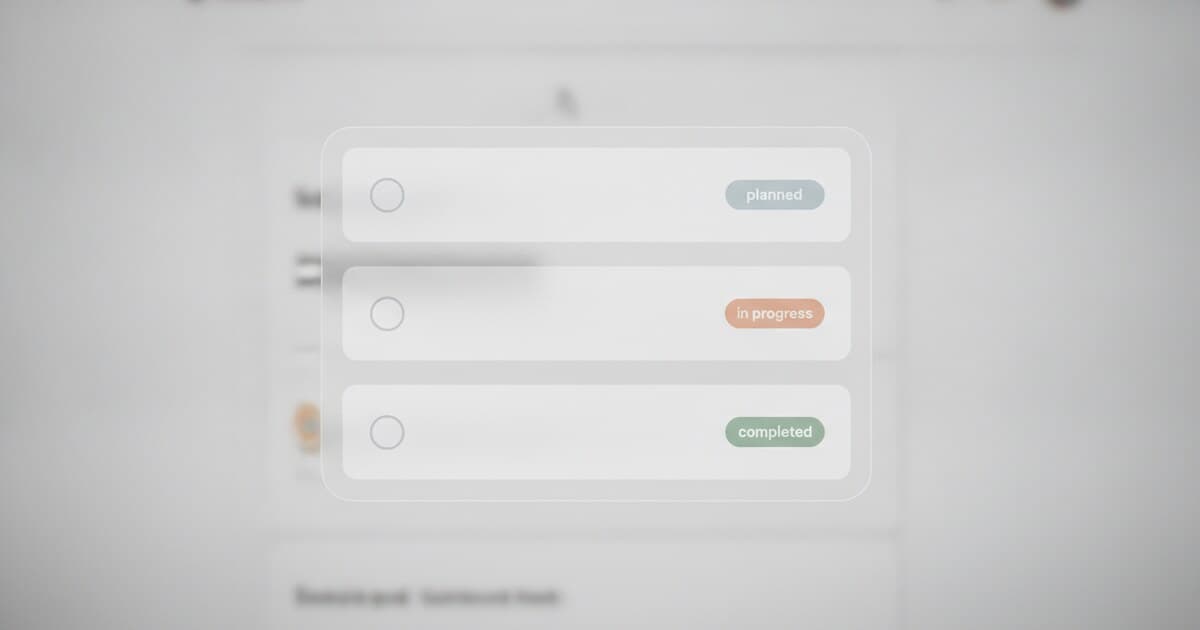
A feature request widget fixes the whole loop. Users submit ideas, vote on existing ones, and see a status (planned, in progress, completed) without leaving your site. You get a ranked list ordered by demand instead of a pile of emails. For most tools, the setup is a single script tag.
This article covers the 5 best feature request widgets you can embed on a website today, with setup steps, pricing, and an honest look at what each tool does and doesn't do.
The best feature request widget for websites in 2026 is pick a feature. It installs with one script tag, offers a free tier with no credit card required, and works on websites and Flutter mobile apps from the same shared board. For web-only teams, Featurebase and Frill are strong alternatives at higher price points.
What a Feature Request Widget Actually Does
A generic feedback widget and a feature request widget look similar from the outside: both are small panels that appear when a user clicks a button on your site. The difference shows up the moment someone submits something.
A generic feedback widget (think Hotjar, Marker.io, or Usersnap) captures open-ended input: bug reports, screenshots, NPS scores. Submissions go into an inbox with no structure. There's no way for users to browse what others have asked for, vote on existing ideas, or know whether their input went anywhere useful.
A feature request widget has different mechanics. It shows a list of existing requests sorted by vote count. Users upvote the ideas they care about most, submit new ones, and see status labels that tell them when something moves from "under review" to "in progress" or "completed." The product team gets a dashboard ranked by demand rather than by submission date.
Feature request widgets in 2026 follow a consistent architecture: a floating button (or inline embed) triggers a board, votes accumulate per user or device, and a dashboard lets you moderate, merge duplicates, and move requests through a status workflow. Installation is almost always a script tag. The data points that separate one tool from another are the request cap on the free tier (ranging from 10 to 50 per month), whether the widget supports inline embedding on a dedicated page versus only a floating popup, and whether a mobile SDK exists for teams that ship both a website and a native app. Tools that share a single board across web and mobile give you unified vote totals instead of splitting feedback across two platforms and two dashboards.
The 5 Best Feature Request Widgets for Websites in 2026
1. pick a feature
pick a feature has both a web SDK and a Flutter SDK that feed the same board. A vote on your website and a vote from your iOS or Android app both count in one place. That matters if you ship across platforms and don't want to reconcile two separate request lists.
The web SDK installs with one script tag. It renders inside a Shadow DOM so it won't collide with your site's CSS. By default it adds a floating "Feedback" button (bottom-right or bottom-left), but you can trigger the panel from any element with a data-pickafeature-open attribute, or use inline embed mode to render the board always-open inside a dedicated page.
Pricing: Free (1 project, 10 feature requests, no credit card), $5/mo Starter (3 projects, unlimited requests, user comments, no watermark), $15/mo Unlimited (unlimited projects and requests). The free tier is indefinite, not a 14-day trial. See the full pricing comparison if you're evaluating tools purely by cost.
Honest limits: No Slack or webhook integrations. No changelog or public roadmap page. Single-owner accounts only.
2. Featurebase
Featurebase bundles a feedback board, changelog, roadmap, and helpdesk into a single platform. The widget opens as a compact panel where users can submit and vote without leaving your product. If you're already paying separately for a changelog tool or a support inbox, consolidating into Featurebase can make financial sense.
Plans start at Growth: $29/seat/month billed yearly. There's a free tier, but it's scoped toward the helpdesk product (1 seat, unlimited conversations). For the full voting board and widget, you're on the Growth plan.
If you only want a feature request widget, Featurebase is significantly overbuilt. The pricing also scales per seat, so a two-person team pays $58/month minimum. For teams that need the full suite, it's one of the more complete options.
3. Frill
Frill has a clean embeddable widget with good default styling. All paid plans support unlimited widgets on unlimited pages. It works as a floating button or can be embedded inline.
Pricing: Startup $25/month (50 ideas cap), Business $49/month (unlimited ideas). No free plan; 14-day trial. The 50-idea cap on Startup is a real constraint. Many active products hit it within the first quarter. Once you're there, you either upgrade to $49/month or start archiving old requests.
If you want a well-styled widget and don't mind paying $25-49/month from day one, Frill delivers. Just go in knowing the Startup tier has a hard idea limit.
4. Boost Toad
Boost Toad is a script-tag widget with a generous free tier: 50 submissions per month across unlimited projects, 1 team member. Pro is $19/month (or $16/month billed annually) for 1,000 submissions.
One thing to watch: "submissions" at Boost Toad counts bug reports, general feedback, and feature requests combined. A busy product hits the 50-submission cap faster than expected if users submit anything other than feature ideas. No Flutter or mobile SDK.
For early-stage projects in validation mode, Boost Toad's free tier gets something running in under 10 minutes. The moment you want user comments, voting analytics, or mobile coverage, you'll outgrow it quickly.
5. Quackback
Quackback is open source with a managed cloud option starting at $19/month (14-day trial). It includes AI-powered duplicate detection that surfaces similar requests automatically, useful once your board has more than a few dozen submissions.
If your team values owning the codebase or plans to self-host eventually, Quackback is worth evaluating. For most indie developers, the cloud pricing is comparable to pick a feature's Unlimited tier ($15/month) but with more operational overhead on the self-hosted path.
For a broader look at the feature request tool market, the best feature request tools roundup covers 10+ options across categories and use cases.
How to Add a Feature Request Widget to Your Website
Here's the pick a feature web SDK setup — it follows the same pattern as most script-tag widgets.
Step 1: Get your API key. Sign up at pickafeature.com and create a project. Your API key is in the project settings.
Step 2: Drop in the script tag. Paste this into your site's <head> or before the closing </body> tag:
<script
  src="https://pickafeature.com/sdk/v1/pickafeature.js"
  data-api-key="YOUR_API_KEY"
  defer
></script>
That's the floating button. The widget renders automatically with a "Feedback" button in the bottom-right corner.
Step 3 (optional): Trigger from your own button. To open the panel from a button you control:
<button data-pickafeature-open>Share feedback</button>
Step 4 (optional): Inline embed on a Roadmap page. To render the board always-open inside your own layout:
<div id="feedback-board"></div>
<script
  src="https://pickafeature.com/sdk/v1/pickafeature.js"
  data-api-key="YOUR_API_KEY"
  data-container="#feedback-board"
  defer
></script>
Theming (primary color, dark/light/auto mode, border radius) is set via data- attributes or window.PickAFeature.init(). The full API reference lives at pickafeature.com/docs.
For teams with a Flutter mobile app, the setup is one extra line: PickAFeature.initialize(apiKey: 'YOUR_KEY') in your main(). The same board, the same vote counts. See the Flutter feature request widget guide for a full walkthrough.
Which Feature Request Widget Should You Choose?
The decision comes down to budget, whether you have a mobile app, and how much tooling you need around the widget itself.
- Free tier with real usage: pick a feature (1 project, 10 requests, indefinite) or Boost Toad (50 submissions/mo, all feedback types combined)
- Mobile app + website, shared board: pick a feature only (Flutter SDK + web SDK on one board)
- Web-only, budget matters: Boost Toad ($19/mo) or pick a feature Starter ($5/mo)
- Full platform (changelog + helpdesk + roadmap): Featurebase (Growth $29/seat/mo)
- Open-source or self-host: Quackback ($19/mo cloud or self-hosted)
Most indie developers and bootstrapped SaaS teams land on pick a feature or Boost Toad for the first year. The main reason to choose pick a feature's $5/mo Starter over Boost Toad's free tier is the 10-request cap: once your board has 10 items, you need to upgrade. The main reason to choose Frill is if you want polished out-of-the-box styling and aren't watching the $25/month spend. For teams collecting feature requests across multiple channels, a single board covering web and mobile usually produces cleaner data faster.
Frequently Asked Questions
What is a feature request widget for a website?
A feature request widget is an embeddable UI that lets visitors submit, vote on, and track feature ideas without leaving your site. Unlike a contact form, it organizes submissions by vote count and shows status labels (planned, in progress, completed) so users know what's happening with their ideas.
Can I add a feature request widget for free?
Yes. pick a feature is free for 1 project and up to 10 feature requests with no credit card required. Boost Toad's free plan covers 50 submissions per month across unlimited projects. Both install with one script tag. Frill and Featurebase require a paid subscription for equivalent features.
Does a feature request widget work on React or Next.js sites?
Yes. Script-tag widgets like pick a feature's web SDK work on any HTML page, including React and Next.js apps. Drop the script tag in your root layout or _document.tsx. The widget renders in a Shadow DOM, so it won't conflict with your styles or component tree.
What's the difference between a feedback widget and a feature request widget?
A feedback widget captures any user input: bug reports, NPS scores, screenshots, open-ended comments. A feature request widget is built specifically for product ideas. It includes upvoting, request statuses, duplicate merging, and a structured list users can browse. Tools like Hotjar and Marker.io are feedback widgets; pick a feature, Frill, and Featurebase are feature request widgets.
Do feature request widgets work on mobile apps too?
It depends on the tool. pick a feature has a Flutter SDK for iOS and Android that shares the same board as the web SDK, so votes from any surface count together. Boost Toad, Frill, and Featurebase are web-only with no native mobile SDK. For mobile coverage without a native SDK, you can open a hosted board URL in an in-app browser.
If you're adding a feature request widget to your website today, start with pick a feature's free plan. One script tag, no backend, works across web and Flutter from one board. Try it free at pickafeature.com.