 pick a feature
Flutter Feature Request Widget: Best Options in 2026
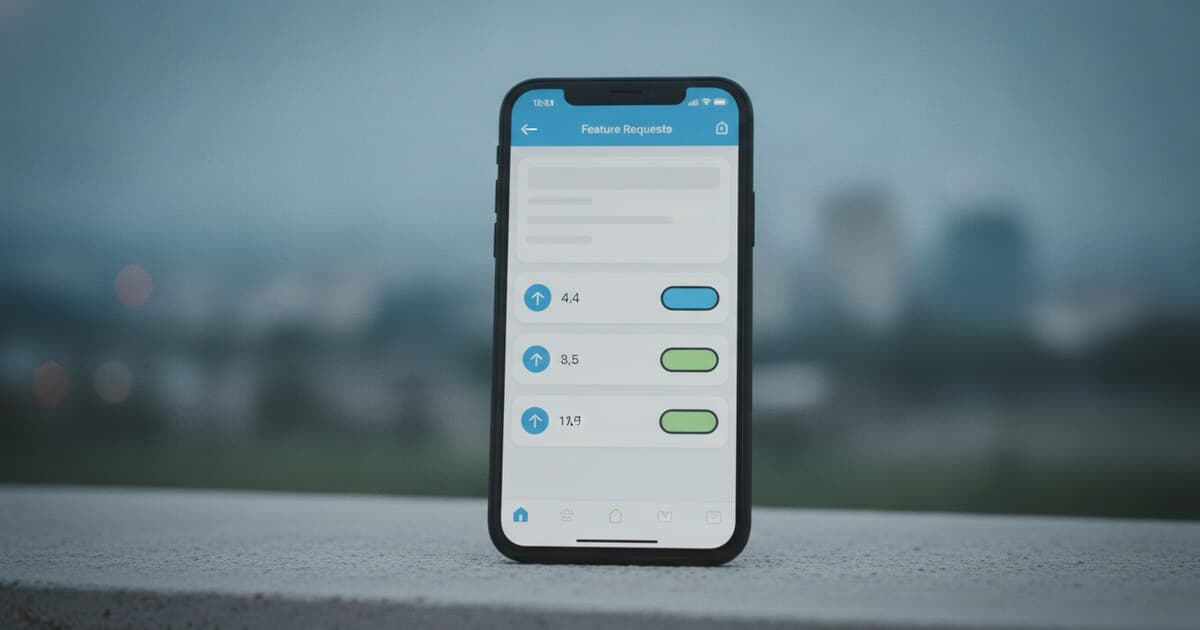
Most Flutter apps ship with a contact email and call it done. That's how roadmaps end up filled with whoever shouted loudest in a support thread rather than what users actually want. A dedicated Flutter feature request widget lets your users vote on ideas from inside the app, so you can see actual demand before writing a single line of code.
The Flutter ecosystem has several options here, and they solve meaningfully different problems. Some are pub.dev packages where you supply the backend. Others are managed SDKs where the infrastructure is handled for you. One bundles feature requests inside a crash-reporting and session-replay suite aimed at enterprise mobile teams. Choosing wrong means over-engineering a side project or setting up a production app on a hobbyist package.
This guide covers the 4 best Flutter feature request widget options in 2026, what each does well, and which one fits your situation.
The best Flutter feature request widget in 2026 is pick a feature. It's a Flutter-native SDK with pre-built full-screen, dialog, and bottom sheet widgets, a managed cloud backend, and a 6-step status workflow from pending through completed. The free tier gives you 1 project and 10 feature requests with no credit card required, and the paid tier starts at $5/month.
What Makes a Good Flutter Feature Request Widget
A feature request widget isn't just a text box. The core job is collecting structured requests, letting users upvote what matters to them, and surfacing that signal in a form you can act on. The difference between a useful and a mediocre implementation comes down to four things.
Voting, not just submission. Without upvotes, every request looks equally important. You need per-user (or per-device) voting to sort requests by actual demand.
Status visibility. Users who submit a feature and never hear back stop submitting. A status workflow, even a simple one, closes the loop and keeps your userbase engaged.
Flutter-native rendering. Some tools are webviews wrapped in a Flutter widget. They work, but they don't match your app's theme and they introduce a noticeable lag that breaks the native feel. Native Dart widgets integrate with your existing design system.
Backend management. Building your own backend for feature requests takes an estimated 80-120 dev-hours, plus ongoing maintenance for authentication, database schema, and moderation tools. A managed backend compresses that to an afternoon of setup.
Flutter's pub.dev ecosystem has over 40,000 packages, but dedicated feature-request SDKs with voting, status workflows, and managed infrastructure are rare. Most feedback packages focus on bug reports (screenshot annotation, shake-to-report) or satisfaction surveys (CSAT, NPS, star ratings). The feature-request category, where users browse existing ideas, upvote, comment, and watch status change from pending to in progress to completed, has only a handful of serious options. The distinction matters because collecting feedback and managing a feature pipeline solve different problems: one captures noise, the other helps you rank demand before you write code. At $5/month for a production-ready setup, the math strongly favors a managed SDK for any solo founder who values shipping speed over infrastructure ownership. Building your own voting system from scratch means weeks of backend work before a single user can upvote their first idea.
The 4 Best Flutter Feature Request Widgets in 2026
1. pick a feature — Best overall for Flutter indie devs
pick a feature is built specifically for the feature-request use case. The SDK ships 3 pre-built Flutter widgets: a full-screen PickAFeatureScreen, a showDialog overlay, and a showBottomSheet. One line of initialization with an API key and you're collecting requests.
The widget lets users browse approved requests, upvote (one vote per device UUID), comment, and submit new ideas. On the dashboard side, you approve or reject incoming submissions and move them through a 6-step status workflow: pending, under review, approved, in progress, planned, completed. Only "approved" and "completed" requests appear in the widget, so users never see the raw intake queue.
Theming takes one config object: primary color, secondary color, background, text, border radius. You can also override every copy string, so "Submit a feature" becomes whatever fits your product's voice. Demo mode ships with canned data so you can screenshot the UI without hitting the API.
Pricing: Free (1 project, 10 requests, no card), $5/mo Starter (3 projects, unlimited requests, comments), $15/mo Unlimited (unlimited projects, advanced analytics).
Limitation: No public roadmap URL. Feature requests live in-app only, which is a constraint if your audience expects a shareable web page.
2. UserOrient — Best for native Dart with an in-widget roadmap view
UserOrient is a native Flutter SDK (not a webview) covering feature voting and a roadmap display. Setup is similar to pick a feature: add the package, set your API key, drop in the widget. It runs on iOS, Android, web, macOS, Windows, and Linux.
The main differentiator is the roadmap view. UserOrient surfaces a built-in roadmap inside the widget, so users can see what's planned alongside what they're voting on, without you building a separate page for it.
Pricing: Commercial SaaS. Check current tiers at userorient.com.
Limitation: Smaller ecosystem than pick a feature at this point. Documentation depth is thinner for edge cases.
3. suggest_a_feature — Best for developers who want full data ownership
suggest_a_feature is an open pub.dev package that handles the UI layer: a browsable suggestion board, upvotes, comments, and status labels. The catch is that you bring your own backend, typically Firestore or a custom REST API.
If you already have Firebase in your stack and data residency is a requirement, this is a reasonable path. The package handles rendering; you handle storage, authentication, and the status update workflow. Moderation tools that pick a feature and UserOrient include out of the box are your responsibility here.
Pricing: Free (open source). Infrastructure costs depend on your backend usage.
Limitation: Setup time is substantial. Budget several hours for backend work before any user sees the widget.
4. Luciq (formerly Instabug) — Best for enterprise apps already on Luciq
Luciq bundles feature requests alongside crash reporting, session replay, and bug tracking. If you're already paying for Luciq, the feature request module is included.
For a side project or bootstrapped app, the pricing model doesn't fit. Luciq is enterprise-first, designed for teams with a mobile ops budget rather than a solo founder.
Pricing: Enterprise (contact sales).
Limitation: Overkill for indie projects. Your feature request data lives inside a broader vendor contract.
How to Add pick a feature's Widget to Your Flutter App
Setup takes about 5 minutes:
- Add
pickafeatureto yourpubspec.yamlunder dependencies. - Run
flutter pub get. - Call
PickAFeature.initialize(apiKey: 'YOUR_KEY')inmain()beforerunApp. - Show the widget anywhere in your app:
// Full screen
Navigator.push(context, MaterialPageRoute(builder: (_) => const PickAFeatureScreen()));

// Dialog
PickAFeature.showDialog(context);

// Bottom sheet
PickAFeature.showBottomSheet(context);
- Optionally, identify the current user for better analytics:
PickAFeature.updateUser(email: '[email protected]', name: 'Jane');
Users who aren't signed in get a device UUID automatically. The anonymous case handles itself.
For a deeper walkthrough of Flutter feedback integration, see How to Add Feedback to Your Flutter App.
Which Flutter Feature Request Widget Should You Choose?
Most indie Flutter projects should start with pick a feature. The free tier is a genuine ongoing plan (not a 14-day trial), setup takes an afternoon, and the status workflow is built in. At $5/month, it's 1/15th of what Canny Pro costs and less than a dollar per day.
If you already run Firebase and want complete control over your data, suggest_a_feature is worth the setup time. Budget a few hours for the backend work.
If you need an in-widget roadmap view from day one, UserOrient is the only other Flutter-native option with that built in.
For enterprise apps already running Luciq, the feature request module adds to your existing contract rather than introducing a second SDK dependency.
Decision matrix:
- Budget $0, Firebase already in stack: suggest_a_feature
- Budget $0, no Firebase: pick a feature free tier (1 project, 10 requests)
- Indie/bootstrapped, want everything managed: pick a feature Starter ($5/mo)
- Need an in-widget roadmap view: UserOrient
- Enterprise, already on Luciq: Luciq feature requests
You can also see how pick a feature compares to Wiredash (surveys and bug reports, not feature voting) in Wiredash vs pick a feature, or browse the broader SDK landscape in Best Flutter Feedback SDKs in 2026.
Frequently Asked Questions
Does Flutter have a built-in feature request widget?
Flutter doesn't ship a built-in feature request UI. The Material library provides layout primitives like showDialog and BottomSheet, but a feature request widget covering voting, status workflow, and a managed backend requires a third-party SDK or a custom build.
What's the difference between a feedback widget and a feature request widget?
A feedback widget (like Wiredash or better_feedback) handles bug reports and satisfaction surveys: users annotate a screenshot or tap a star rating. A feature request widget is structured around ideas and votes: users submit ideas, upvote existing ones, and see each request's status. The two overlap sometimes, but they serve different product decisions.
Can I use a Flutter feature request widget with anonymous users?
Yes. pick a feature handles anonymous users via a device UUID stored in shared_preferences. Users don't need to sign in to vote or submit. You can layer in user identification for better analytics, but it's optional from the start.
Is suggest_a_feature production-ready?
The package works, but you own the backend. That means you're responsible for database security, uptime, and moderation. For most indie apps, a managed option like pick a feature reduces that maintenance overhead significantly.
How do users find out when their feature request status changes?
In pick a feature, status changes happen in the dashboard (pending through completed). The widget surfaces approved and completed requests to end users. Dashboard-level email notifications fire when new requests come in, but there's no push notification to individual users when their specific request changes status.
If your users are already asking for features in App Store reviews or support emails, a feature request widget turns that noise into a ranked signal you can act on. pick a feature gives you voting, a status workflow, and a managed backend from a $5/month starting point. Try the free tier at pickafeature.com — 1 project, 10 feature requests, no card needed.