 pick a feature
Feedback Widget vs Feedback Board: What's the Difference?
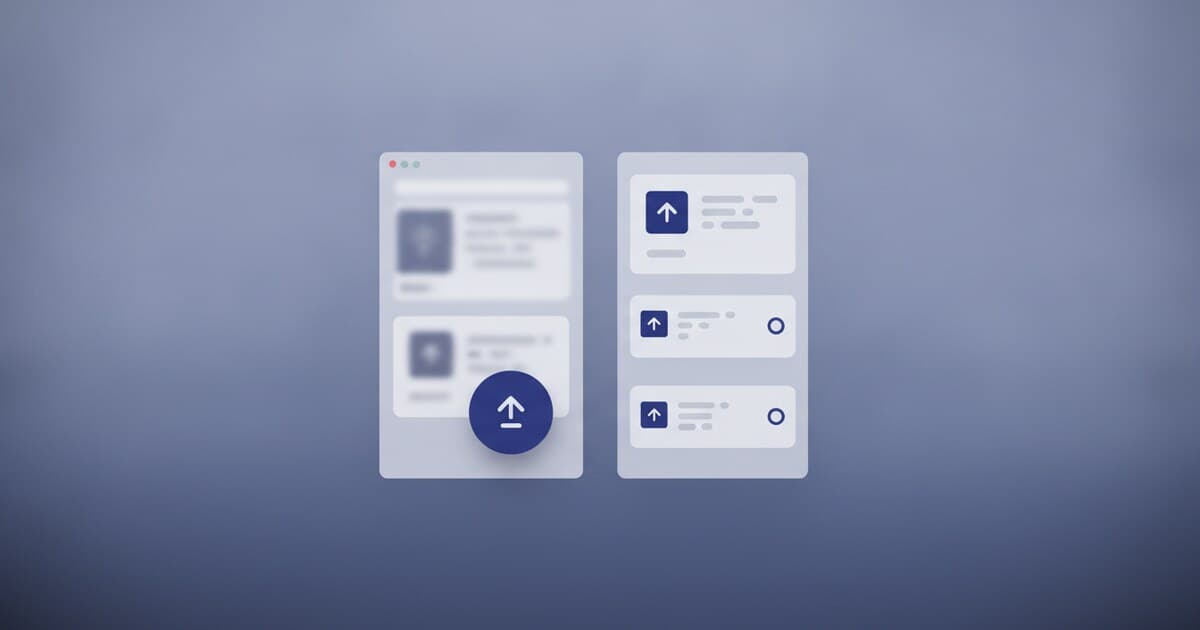
Teams building apps tend to use these two terms interchangeably. "Add a feedback widget" and "set up a feedback board" can sound like the same instruction, but they describe two different tools sitting at different points in the same feedback system.
One captures ideas where users already are. The other gives those ideas a home they can visit, vote on, and track over time. Knowing which does what keeps your feedback setup from turning into either a black hole or a ghost town.
A feedback widget is an embedded UI element that collects input inside your product, without pulling users away from what they're doing. A feedback board is a public destination where users post requests, vote on each other's ideas, and track status over time. Widgets are the intake surface; boards are the organized outcome.
What Is a Feedback Widget?
A feedback widget lives inside your product. It's the floating button in the bottom corner of a web app, the bottom sheet that slides up in a Flutter app, the dialog that opens when someone taps "Share feedback" in a settings screen.
The defining feature is that users never leave the screen they're on. They spot something they want, tap the widget, type a sentence, and submit. The whole interaction takes about 10 seconds.
Widgets come in three practical forms: a floating launcher (renders on every page via a script tag, positioned bottom-right or bottom-left), a modal or dialog (triggered from any button or event), and an inline embed (the board always visible inside a dedicated page). The form you pick depends on how much screen real estate you're willing to trade for visibility.
The practical advantage is passive capture. Users who'd never bookmark a separate board URL will submit via a widget they can see right now. That's especially true on mobile, where asking users to leave your app to post a request on a web portal loses the thought before it becomes a submission.
pick a feature's web widget installs with one script tag and a data API key. It renders inside a Shadow DOM, so it can't conflict with your site's CSS. The floating launcher position, primary color, and border radius are configurable via data-* attributes. The JavaScript API (window.PickAFeature.open, close, identify, reset) lets you trigger and control the widget from your own code. For Flutter apps, PickAFeature.initialize(apiKey) drops in a full-screen board, dialog, or bottom sheet. Both SDKs write to the same project, so web widget votes and in-app votes pool together in one ranked list.
What Is a Feedback Board?
A feedback board is a destination: a URL your users can visit, bookmark, and return to. Instead of a single submission disappearing into your inbox, users post an idea, see what others have already requested, vote on what they care about, and watch the status change as you work through your backlog.
The board does three things a widget alone can't. It shows social proof: if 40 users want the same feature, every new visitor sees that before posting a word. It de-duplicates naturally: votes consolidate under one request instead of scattering across near-identical submissions. And it closes the loop: users see their request move from "pending" to "in progress" to "completed" without you sending a 1-on-1 email.
Managed feedback boards split into distinct pricing and hosting tiers. Self-hosted options like Fider run on a $5-15/month VPS with no software license fee, giving full data control at low operating cost but requiring DevOps setup to maintain. Free-tier hosted boards typically cap incoming submissions, project count, or active user volume to encourage upgrade. Mid-market hosted boards charge roughly $19-79/month at entry tiers, with advanced features like custom domains, user identification, and per-platform analytics often gated behind higher plans. Enterprise contracts typically start in the thousands per year. The category spans a wide range because "feedback board" covers everything from a simple voting list to a full product-intelligence suite. pick a feature sits at the focused, affordable end: $5/month Starter for unlimited requests across 3 projects, or $15/month Unlimited for unlimited projects. The free tier covers 1 project and 10 requests at no cost, no card required.
A hosted board handles the infrastructure for you. You get a shareable URL like pickafeature.com/b/your-app without running a server. Link it from your website footer, in-app settings screen, and support docs. For apps on platforms without a native SDK (native iOS, Android, React Native, Kotlin Multiplatform), you can open the hosted board in an in-app browser (SFSafariViewController or Chrome Custom Tabs) to give those users the full voting experience.
Feedback Widget vs Feedback Board: Key Differences
The simplest framing: a widget is a collection surface and a board is a collaboration surface. A widget captures; a board organizes.
| Feedback Widget | Feedback Board | |
|---|---|---|
| Where it lives | Inside your product | External URL |
| User action | Submit, done | Submit, browse, vote, follow status |
| Visibility | Private to your team | Community-visible, ranked by votes |
| Friction | Near-zero | Requires navigating to the URL |
| Best for | Capturing any user in the moment | Engaging advocates who follow the roadmap |
| Loop closing | No | Yes, status visible to all voters |
The clearest sign you need a widget: your users are active in your product daily but feedback is nearly nonexistent. The clearest sign you need a board: the same five vocal users keep emailing you, but you have no idea whether their requests reflect broader demand.
The most accurate mental model is that they're layers of the same system, not alternatives. The widget feeds the board. The board does the work the widget can't.
When to Use a Feedback Widget
A widget is the right primary surface when your product has regular daily active usage and you want passive capture from users who'd never seek out a separate URL. It's also right for early-stage validation, when you want raw, unfiltered input quickly and haven't built a public audience yet.
Widgets also work well for anonymous users. Rather than requiring account creation, pick a feature's widgets assign a device UUID (stored in shared_preferences on Flutter, browser storage on web) so they capture input from users who haven't signed in.
For mobile apps, the widget is often the only realistic surface. Most mobile users won't navigate to a web portal for a feature request. A bottom sheet reachable from an in-app settings screen captures requests from users who'd never leave the app to post on a board.
A widget pairs well with contextual triggers too. You can call PickAFeature.showDialog(context) right after a user completes a key action (exported their first report, published a project) to capture feedback at the moment of peak satisfaction rather than when they happen to spot a button.
When to Use a Feedback Board
A board earns its place when you have an established user base with strong opinions about your roadmap. Transparency about priorities builds trust, particularly in developer tools and indie SaaS, where users expect to see the backlog and argue for their favorite feature.
The board is also your best tool when you're fielding duplicate requests. Rather than triaging five near-identical emails, votes consolidate demand under one ranked request. In pick a feature's dashboard, you can merge requests manually: drag one card onto another, combine the title and description, and carry over the upvotes from both so the vote count stays accurate.
It's the right call when you want to close the loop at scale too. A status update visible to every voter costs far less time than 1-on-1 emails for every feature you ship. Users who watched their request move from "under review" to "completed" tend to stick around longer than users who submitted into silence.
Using a Feedback Widget and Feedback Board Together
The setup that works best for most teams: the widget captures the broad base, and the board organizes the ranked output.
pick a feature wires both surfaces from one project. The Flutter SDK widget, web SDK widget, and hosted board all write to the same pool of requests. A user who submits via the floating launcher on your website and a user who visits pickafeature.com/b/your-slug and votes directly both contribute to the same ranked list. No syncing step, no duplication.
You can also use the inline embed mode to show the board inside your own product on a /roadmap page: data-container="#your-element" renders the board always-open inside any container you choose. That way, users see the community's ranked requests without ever navigating to a separate URL.
For all three embedding approaches side by side, see how to embed a feedback board on your website. For evaluating managed hosting options specifically, hosted feedback board covers the main tools and their pricing.
Frequently Asked Questions
Can I use a feedback widget and a feedback board at the same time?
Yes, and most teams should. A widget captures ideas the moment users have them, without requiring navigation away from your product. The board organizes those ideas so your whole team can see what people want most. pick a feature wires both together: widget submissions land directly on the board, and votes count in the same pool.
What's the difference between a feedback widget and a feedback form?
A widget is a persistent UI element in your product (floating button, bottom sheet, dialog) available at any time. A feedback form is a one-time prompt at a specific touchpoint, like end of onboarding or a post-support survey. Widgets are passive surfaces; forms are structured prompts at chosen moments.
Do I need a feedback board if I already have a support inbox?
A support inbox handles individual issues one at a time. A feedback board aggregates ideas, ranks them by demand, and lets you communicate status back to everyone at once. They serve different purposes: inboxes for one-to-one resolution, boards for many-to-one feature planning.
Is a hosted feedback board the same as a public roadmap?
Close but not the same. A hosted board collects and ranks requests in a shared voting space. A public roadmap communicates your shipping plan as a timeline of upcoming and released items. pick a feature's hosted board shows planned, in-progress, and completed requests but doesn't publish a separate roadmap timeline.
How do I get more users to submit feedback on my board?
Embed a widget inside your product so users can submit without leaving. Then link to the hosted board from your website footer, in-app settings screen, and email footer. The widget handles passive users; the board link captures anyone checking your site for a roadmap.
pick a feature gives you both surfaces from one project. The Flutter SDK and web SDK handle in-product capture; the hosted board at pickafeature.com/b/your-slug handles the public-facing side. The free tier covers 1 project and 10 requests with no card required. Starter is $5/month for unlimited requests across 3 projects.